
User:A Link between consoles/sandbox
More actions
3DS file cleanup
Downloads:
3DNUS: Click here to download.
GodMode9: Click here to download.
Luma3ds: Click here to download.
use this guide to install luma and godmode9
downloading the titles:
Extract the 3DNUS ZIP file that you downloaded earlier, and then double-click the 3dnus.exe file.
you'll see this page.
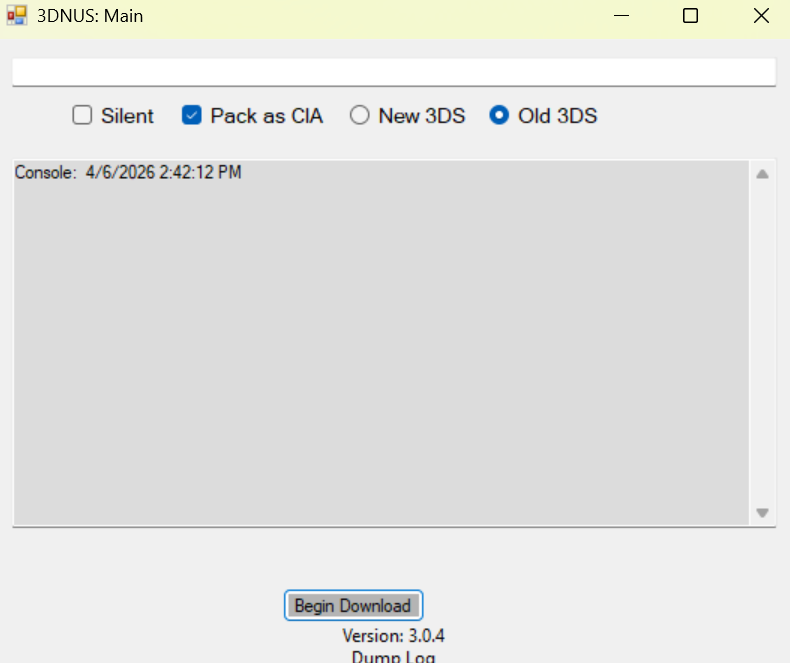
select you model "new 3ds/2ds" or "old 3ds/2ds".
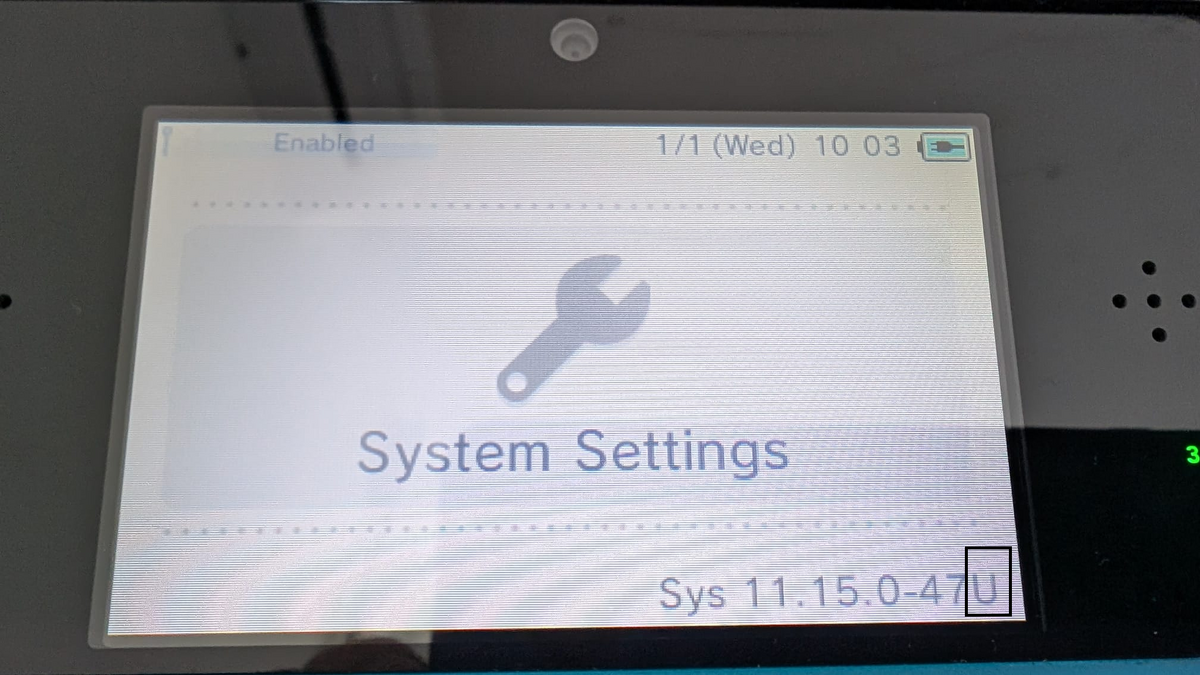
make sure that you have "pack as CIA" selected.Type 11.16.0-49 and your console's region (E for EUR, U for USA, etc.). If you don't know your region, boot up your console open System Settings. You will see your region on the top screen; use this image for reference.
Your screen should look like this.
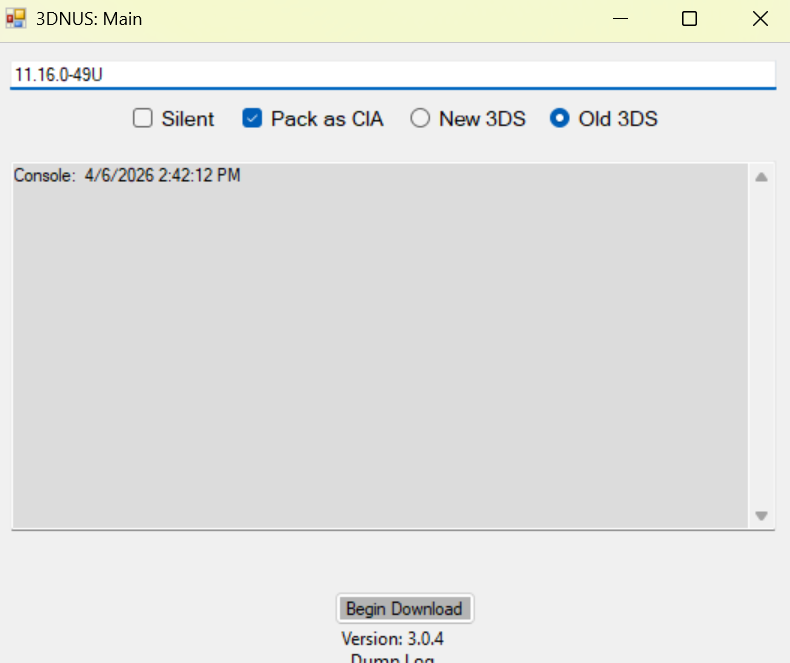
click "begin download" and wait for it to finish.
installing the titles:
insart your sd card into your console.
hold Start and turn the console on.
Select [0:] SDCARD, navigate to the 'cias' folder, then press L + D-pad Right to highlight all files.
Press Aon any file.
Select "CIA image options..." and then "Install CIA image."
Wait for the process to finish and press Startto restart the console.
system update
go into system settings Other settings and scroll into the lest page.
and prass System Update.
 |
You're done! |