Extensions de fichier sur Windows
From Hacks Guide Wiki
More actions
Ceci est une section complémentaire pour désactiver le comportement par défaut de Windows de cacher les extensions de fichier.
This will make it easier for you to find the referenced files in the rest of this guide.
Instructions
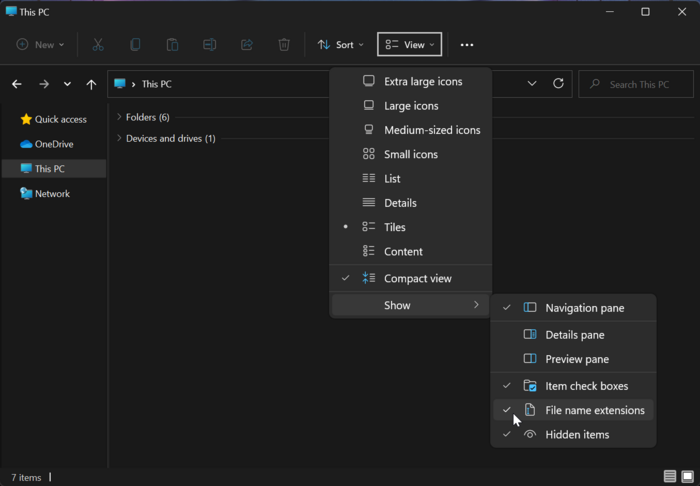
- Launch File Explorer by opening any directory, such as your SD card directory
- Click the "View" option in the toolbar
- Go to "Show"
- Click "File name extensions" to enable it

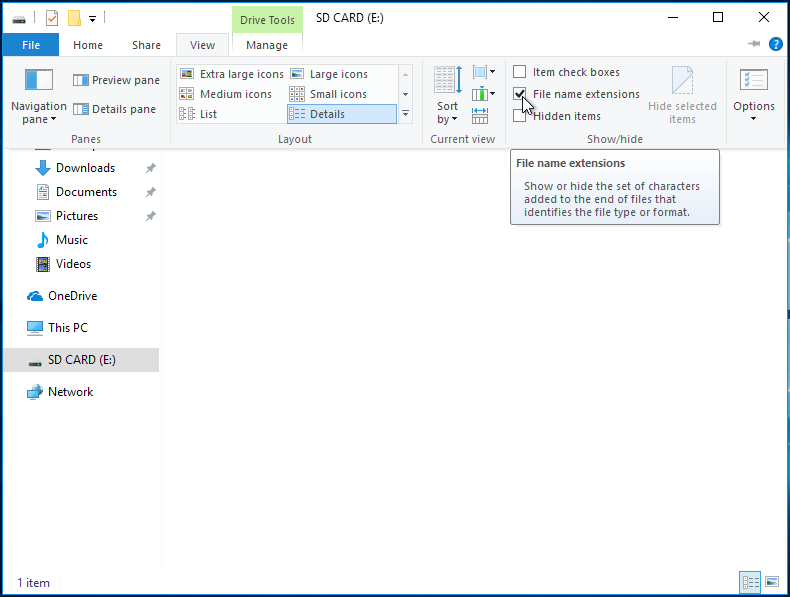
- Launch File Explorer by opening any directory, such as your SD card directory
- Click the "View" option on the ribbon menu
- Check the box labeled "File name extensions"

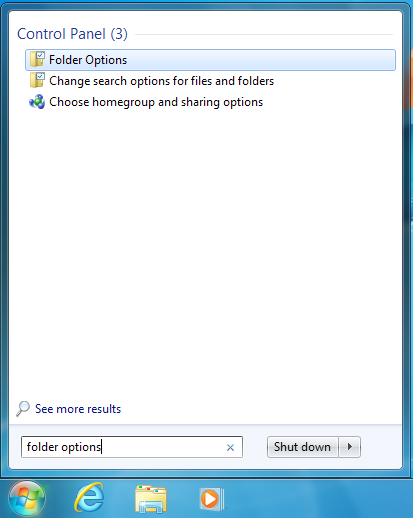
- Open the start menu by clicking on it or using the Windows key
- Search for "Folder Options" and select the corresponding result
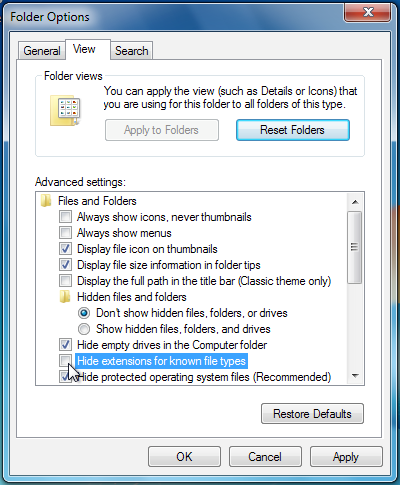
- Click the "View" option at the top of the Folder Options menu
- Uncheck the box labeled "Hide extensions for known file types"